Describe a typeface. Get a font family. Or write on paper and send a photo. A type foundry that lives inside Claude, ChatGPT, Codex and other AI agents.
Start with a sentence, a sheet of paper or a picture.
Open it and pick a route, or just say what you want. Every route ends with the same finished family and its Studio.
1
Describe it
One sentence about the feeling you want. Get a full family.
2
Your handwriting
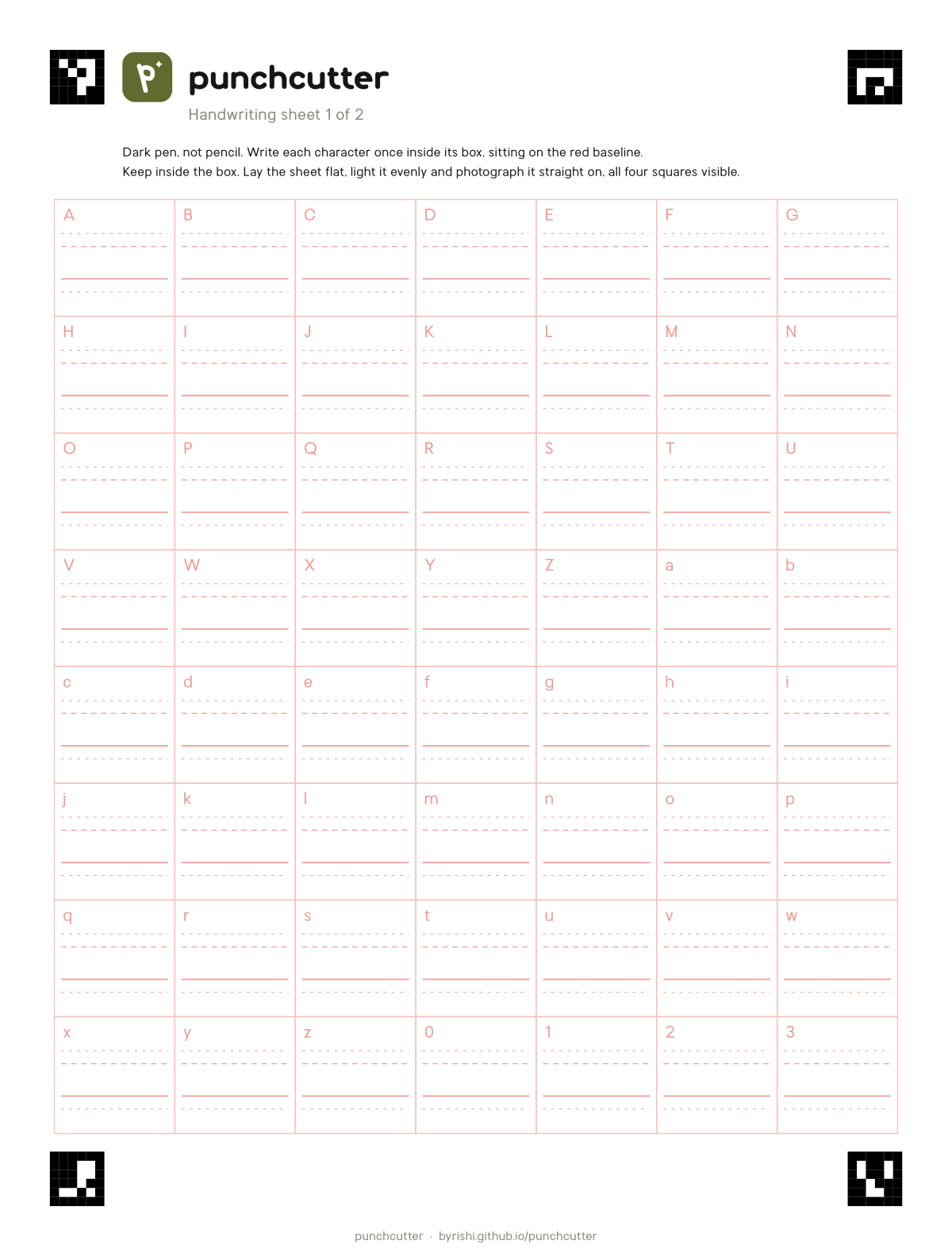
Print the sheet, write on it, send a photo. The best photo route.
3
Quick photo
A photo of any writing or lettering. No sheet needed.
4
Match a mood
Send a picture you love. Get an original family with that feeling.
5
Remix
Change a Punchcutter font: weight, width, spacing, single letters.
6
Open base
Start from a free font with wide script coverage and reshape it.
Your handwriting
Write it. Photograph it. Type with it.
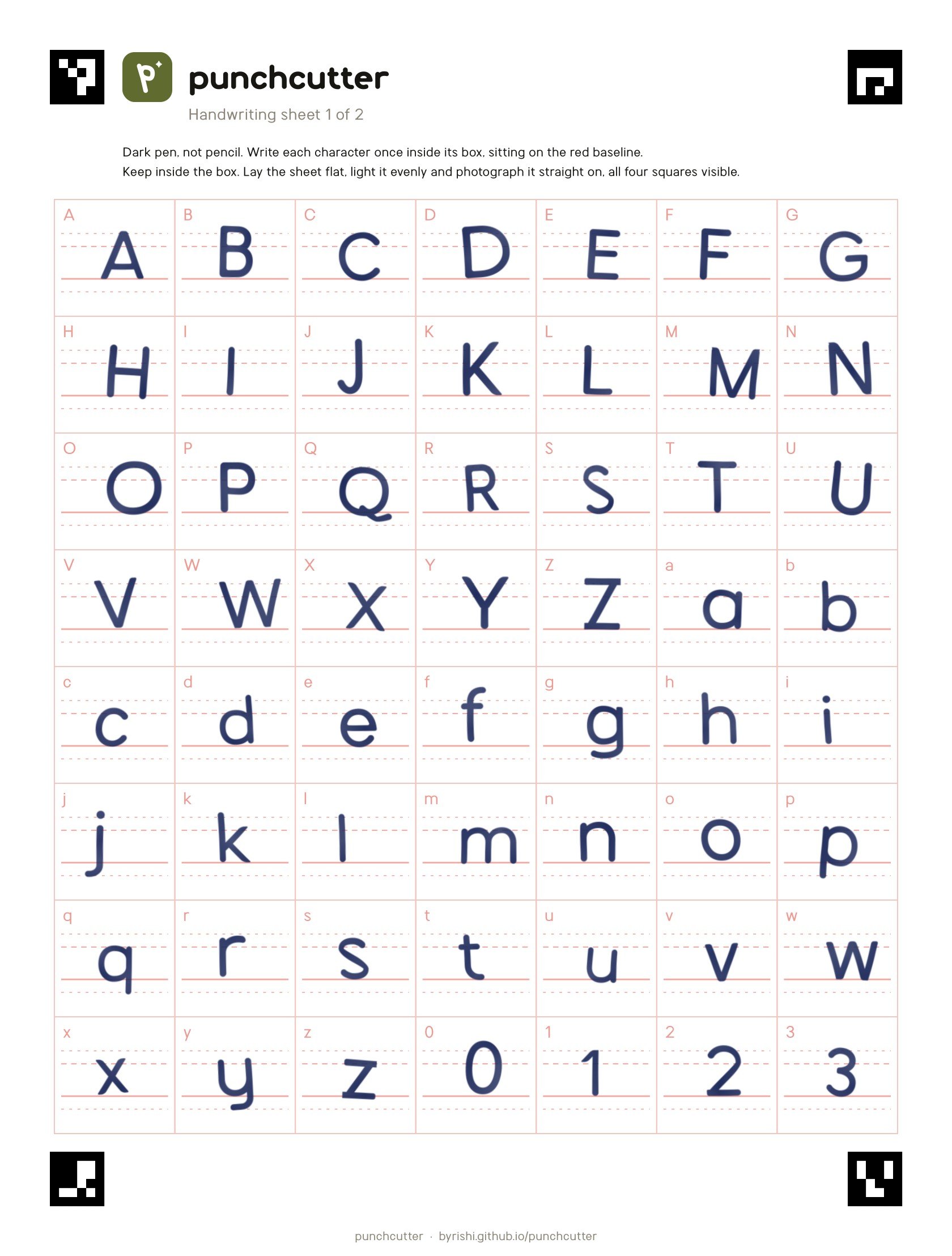
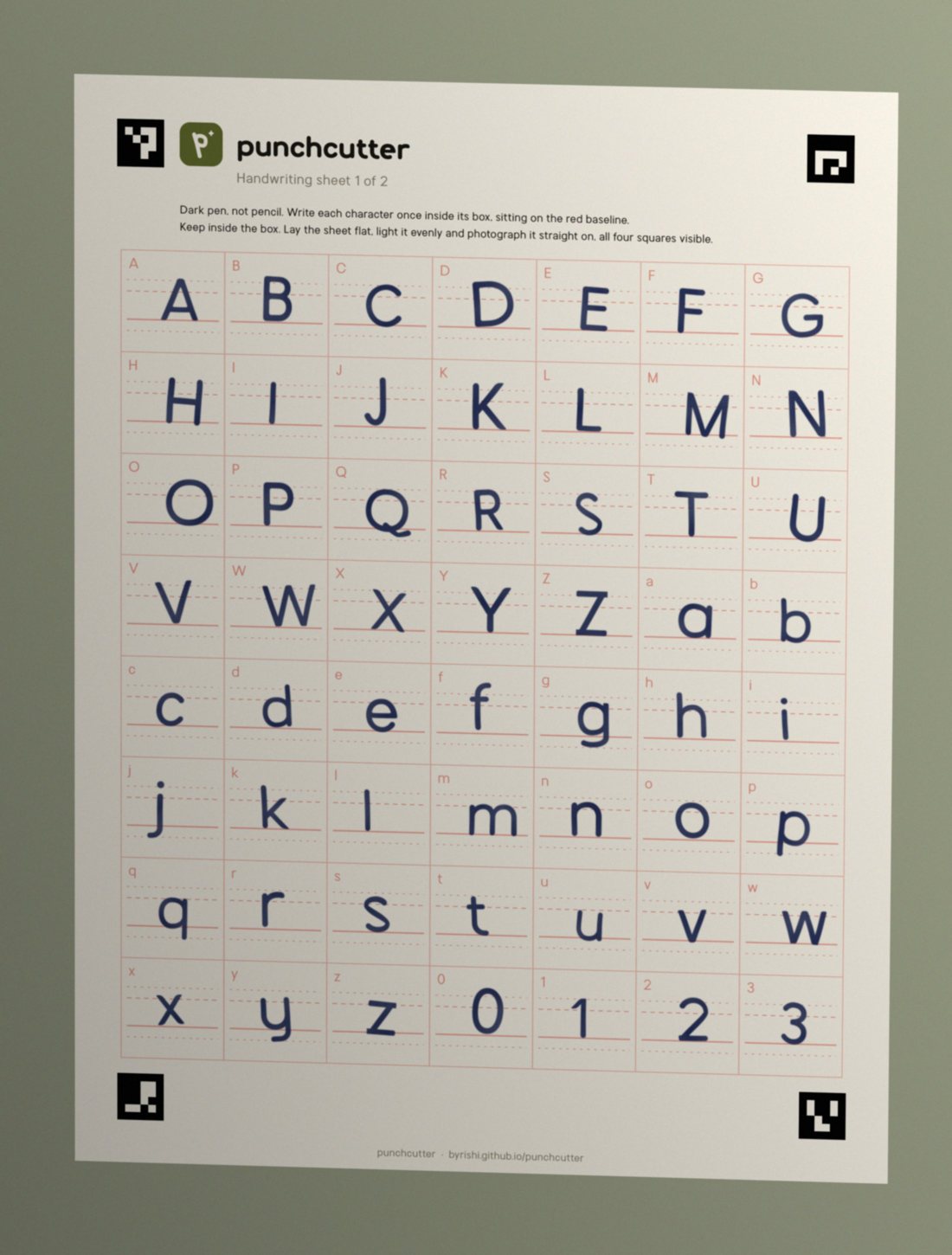
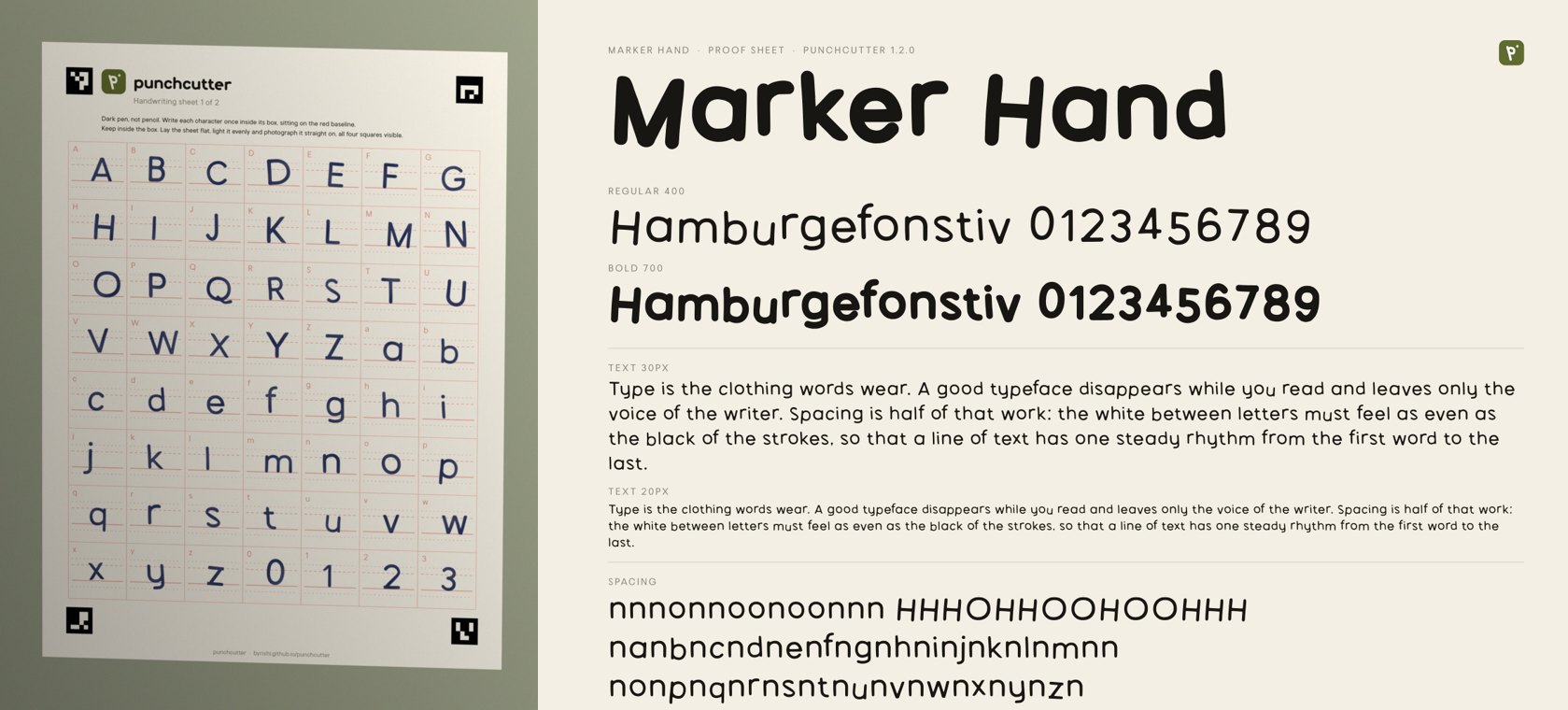
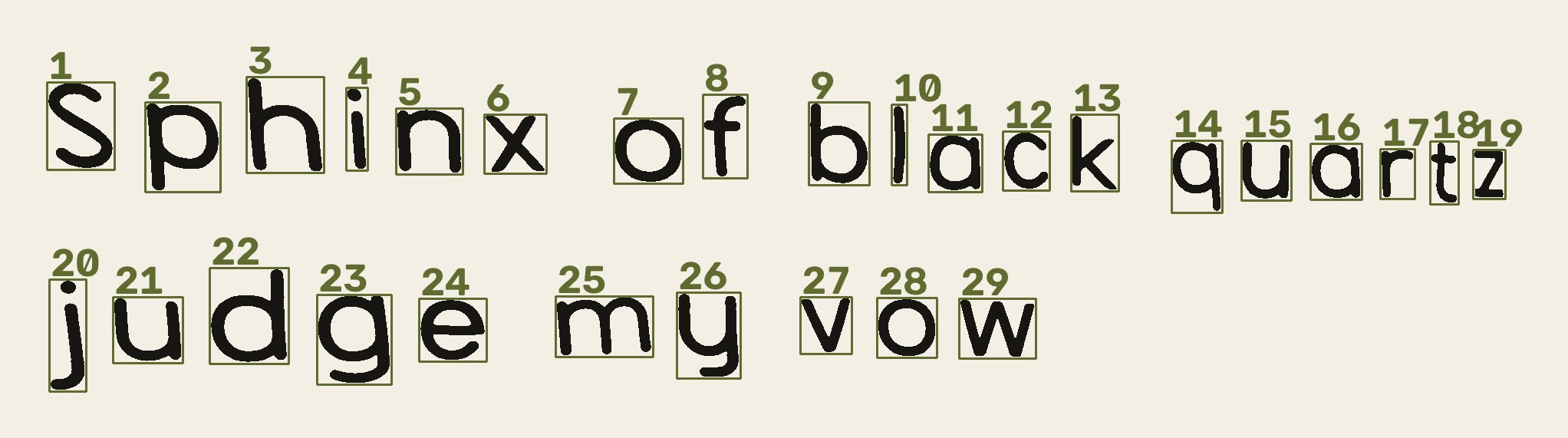
Print the sheet and fill it in with a dark pen. Take a phone photo at any angle. Corner markers square it up, the red guides drop out, every letter is traced, and your x-height and stroke weight are measured. Anything you did not write is drawn to match.
1 · Print the sheet. Download the PDF (A4 and US Letter).2 · Fill it in: one character per box, sitting on the red line. Page 1 is enough.3 · Photograph it flat with all four corner squares in view, and send it.
4 · The result: a two-weight family with spacing, kerning and about 280 glyphs. (Demo writing is simulated.)
No printer?
Any paper works.
Write on a notebook page, a napkin or a whiteboard and send the photo. Punchcutter finds and numbers each character, reads them, and traces them. "Sphinx of black quartz, judge my vow" covers a to z. The sheet still gives the cleanest result.
The stages of a real type foundry, in a minute or two.
Each stage reports what it did. Between drafts the AI looks at the proof, finds weak letters and fixes them, at least twice, before anything ships.
Briefa sentence becomes adjectives, a preset and a plan
Drawingevery letter built from pen strokes, or traced from your writing
Spacingsidebearings from the white space around each shape
Kerningevery pair measured in 2D, merged into classes
OpenType featureskerning, tabular figures, slashed zero, case forms
SourcesUFO masters and a designspace
Compilevariable TTF, static TTF and OTF, WOFF2
Quality assurancecoverage, metrics, names and features checked on every file
Release packageStudio, CSS, README and report
Studio
Every font comes with its own app.
Type tester, weight slider, feature switches, glyph inspector, install guide and a download button, in one file that works offline. In Claude it opens right in the chat.
A Claude skill, a Codex skill, an MCP server for ChatGPT, Claude Desktop, Cursor, Windsurf and VS Code, a guide for other agents, and a plain command line tool.
/plugin marketplace add byrishi/punchcutter
/plugin install punchcutter@punchcutter

# then
/punchcutter
1. Download punchcutter.skill
2. Settings → Skills → upload it (code execution on)
3. Say: make me a font
git clone https://github.com/byrishi/punchcutter && cd punchcutter
pip install -r skills/punchcutter/scripts/requirements.txt

# then ask your agent:
# Follow AGENTS.md and make me a rounded friendly font
pip install "git+https://github.com/byrishi/punchcutter"
punchcutter new "My Sans" --preset humanist
punchcutter build MySans.json